Devices
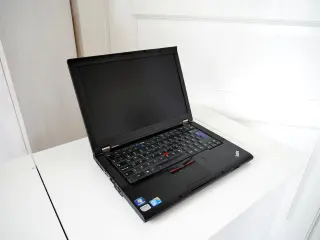
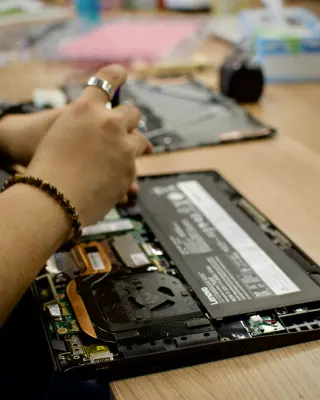
Find out why a laptop battery drains overnight
Use Windows 11 sleep settings, battery reports and an overnight comparison to separate standby activity, connected accessories and reduced battery capacity.
The guide library
Understand your phone, computer and accessories. Make informed changes without guessing what a setting does.
Use Windows 11 sleep settings, battery reports and an overnight comparison to separate standby activity, connected accessories and reduced battery capacity.
Recover a Windows 11 laptop with a dark screen, separate display trouble from failed resume, and isolate power, lid and dock triggers before changing settings.
Adjust your Windows 11 mouse and keyboard one annoyance at a time, with practical checks for pointer control, scrolling, typing and easy recovery.
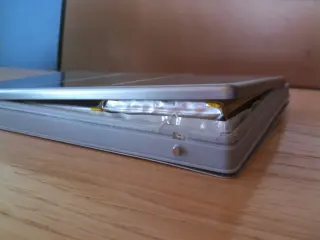
Spot physical battery swelling, stop charging a Windows 11 laptop safely, and arrange repair or disposal without risking another startup for your files.
Choose an SSD for Apple Photos on a Mac by planning capacity, matching the connection and checking the new library before retiring your original copy.
Move Google Authenticator codes to a new Android phone, check every account with a fresh sign-in and keep recovery options ready before erasing the old device.
Keep a Windows 11 laptop useful when power fails: save work, lower demand, prepare offline files, check backup charging and stop with charge to spare.
Organize a shared Windows 11 PC with clear file handoffs, fewer startup interruptions, safer cleanup choices and a maintenance routine the family understands.
Find an accessory missing from Windows 11 Bluetooth, distinguish pairing trouble from a missing radio, and recover without clearing working connections.
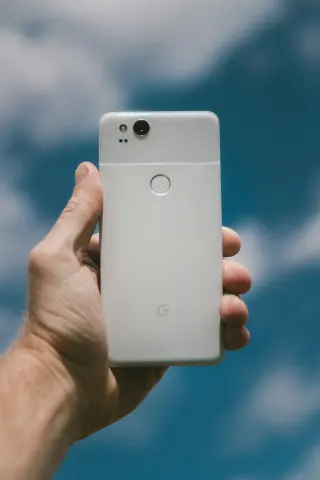
Turn an old Google Pixel into an offline document reader. Copy PDFs from Windows over USB, switch off wireless connections and verify access after restarting.
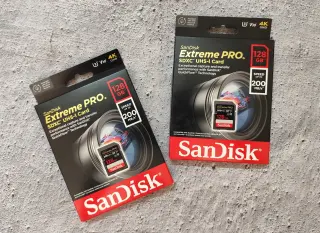
Decode V30, U3 and UHS labels, match a card to your camera’s recording mode, and check a rehearsal clip before trusting it with important video.
Separate steady audio delay from interruptions, microphone-mode changes and network buffering, then compare controlled playback routes without forcing hidden settings.
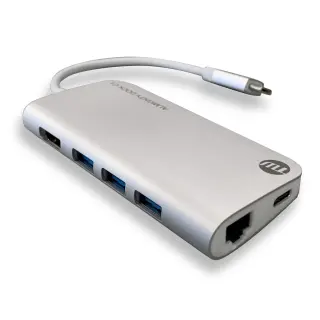
Match a Windows laptop dock to your actual host port, simultaneous monitor modes and charging needs, then check the whole desk before the return deadline.
Separate listening comfort from microphone clarity, inspect headset fit, and compare candidates in Teams before the return window closes.
Check battery wear, rule out charging faults and compare a complete repair quote with replacing the laptop, then verify that service fixed your real problem.
Recover missing windows in Windows 11, align your display map, fix awkward scaling, and check what happens when you disconnect a second monitor.
Move files from a Mac to Windows 11 using a separate transfer drive, check cloud downloads and photo exports, and keep a recovery route until daily work passes.
Build a family iPad storage budget from games, school files and offline downloads, then compare capacities and check the choice during a permitted trial.
Move from Windows 11 to macOS 27 with a verified backup, a deliberate transfer and practical checks before you erase or retire the old PC.
Set up an iPad for calmer reading in Apple Books, choose which alerts can interrupt, and restore normal notifications when the session ends.
Clean a MacBook keyboard and display with the right cloth and liquid, handle nano-texture glass separately, and know when a stubborn mark needs service.
Connect a Windows 11 laptop by HDMI, restore cropped desktop edges with the TV’s picture-size controls, and adjust text size after the picture fits.
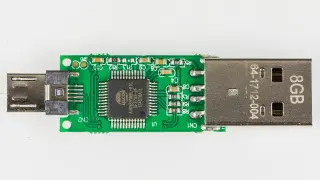
Check a USB flash drive on Windows 11: protect its files, isolate connection faults, read disk status, and compare saved data before trusting it again.
Check account access, recovery keys, app-specific data and a verified restore path before a reset, with a clear decision gate for keeping or handing on the device.
Distinguish ordinary workload warmth from thermal warnings or battery damage, then reduce avoidable heat safely without defeating protections or guessing at limits.
Find out whether Windows 11 monitor blur comes from resolution, application scaling or the connection, with reversible checks before replacing hardware.
Find out whether photos remain in recovery bins, cloud libraries or local downloads, then reclaim phone space without accidentally deleting your only copy.
Prepare saved files, verified backups and a restart window before updating, then check essential tasks afterward and understand why rollback is not guaranteed.
Build a capability checklist for USB-C ports, cables and docks so charging success does not become a mistaken promise of fast transfers or a working display.
Test your microphone in Windows 11 and Zoom, listen for clear speech, fix device and permission mistakes, and keep a working setup ready for the call.
Compare screen size, pixel density and scaling with your actual documents, then check connections, positioning and return terms before choosing a work monitor.
Trace an iPhone SIM swap failure through card fit, carrier locks and activation, then check the right line without deleting an eSIM or erasing the phone.
Give a used Windows 11 laptop a clean start: prepare official USB media, resolve old business enrollment, then verify activation, updates and basic hardware.
Separate refresh rate, frame rate and response time, check the whole connection, and verify resolution and Hz together in Windows 11 before keeping a monitor.
Choose a multiport USB-C charger by its simultaneous power split, match cables to each device, and check the complete setup before keeping it.
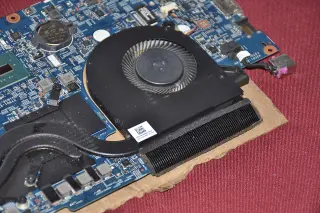
Trace Windows 11 laptop fan noise to workload, airflow or a possible fault, then compare one reversible power setting and know when to seek service.
Find out whether a charge limit, overnight schedule or temperature pause is stopping your phone at 80 percent, and how to request a full charge.
Read power-bank labels, convert capacity to watt-hours, budget realistic phone top-ups, and check USB-C output power before choosing a pack.
Check a used Chromebook’s exact support deadline, verify the date in Settings, and spot extended-update limits before paying for a second-hand device.
Understand battery aging, charge cycles and heat, then choose practical charging habits without chasing a universal percentage rule or treating estimates as tests.
Release a busy webcam in Windows 11, check app permissions, test one preview at a time, and enable camera sharing only when you need two apps.
Reconnect an HP touchscreen printer to your new Wi-Fi, restore its Windows 11 printer entry, and use the current IP address when automatic discovery fails.
Trace unwanted iPhone touches through moisture, cases, screen protectors and charging accessories, then restart safely and know when to arrange service.
Compare exFAT, NTFS and APFS for shared files, backups and encryption, then inspect an existing drive safely before considering a format that erases its contents.
Set up a travel eSIM on iPhone, choose the right data line, control home-number roaming risks, and check activation, allowances and settings after returning home.
Tell memory pressure from a full or busy drive using a repeatable workload, resource observations and reversible changes before deciding what hardware to replace.
Test a refurbished iPhone against its listing, check activation, repair history and everyday functions, and preserve evidence before the return deadline.
Use Quick Start to move from an old iPhone, then check photos, messages, files and account access before you erase or trade in the original phone.
Use the free tools for transfer time, storage planning, image details and everyday text tasks.
Open the tool bench